Posts

Showing posts with the label Printer Software

Epson RIP professional Software for Stylus Photo R2000
Image
  In the world of digital printing, having the right tools is essential for achieving high-quality outputs. One such crucial tool is the Epson RIP Professional Software. Designed to work seamlessly with the Stylus Photo R2000, this RIP software ensures precise color management, enhanced printing efficiency, and stunning results. Let’s explore why Acrorip’s Transfer RIP software is the go-to solution for professional printers. What is RIP Software? RIP software (Raster Image Processor) is a vital application for converting digital files into formats that printers can process. It goes beyond the capabilities of basic printer drivers by offering advanced features such as color calibration, ink management, and layout customization. When paired with the Stylus Photo R2000, RIP software optimizes its potential, allowing users to achieve detailed and vibrant prints. Whether you're a professional photographer, designer, or print shop owner, this software simplifies complex printing task...
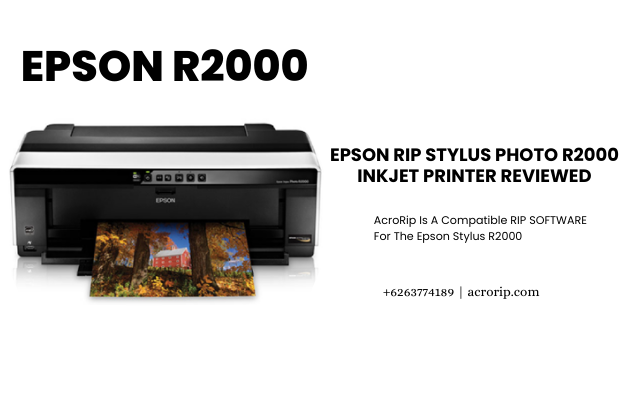
Epson RIP Stylus Photo R2000 Inkjet Printer Reviewed

Image
Epson RIP is the brand name that comes to mind when it comes to buying the best photo-quality inkjet printers. Epson Stylus Photo R2000 has many things similar to its predecessor R1900 but it packs the latest technology. If you are looking for a DTG, DTF, or UV printer, you can consider this printing machine.  What’s New? Critics could argue that the new Epson Stylus Photo R2000 has nothing new to offer but they shouldn’t forget that it has many features that could be called first in any printer. For example, take the AccuPhoto HG technology that provides better tonal gradations. Also, you get the options of both the Ethernet and WiFi connectivity. But the most important feature of this machine is large ink tanks that can store 50% more ink than the predecessor. It will save you money on ink cartridges.  The Setup  Epson Stylus Photo R2000 is a plug-and-play machine. The setup requires only unpacking, plugging, and choosing a connectivity option like USB or WiFi. Once th...

What are Printer RIP and its benefits?

Image
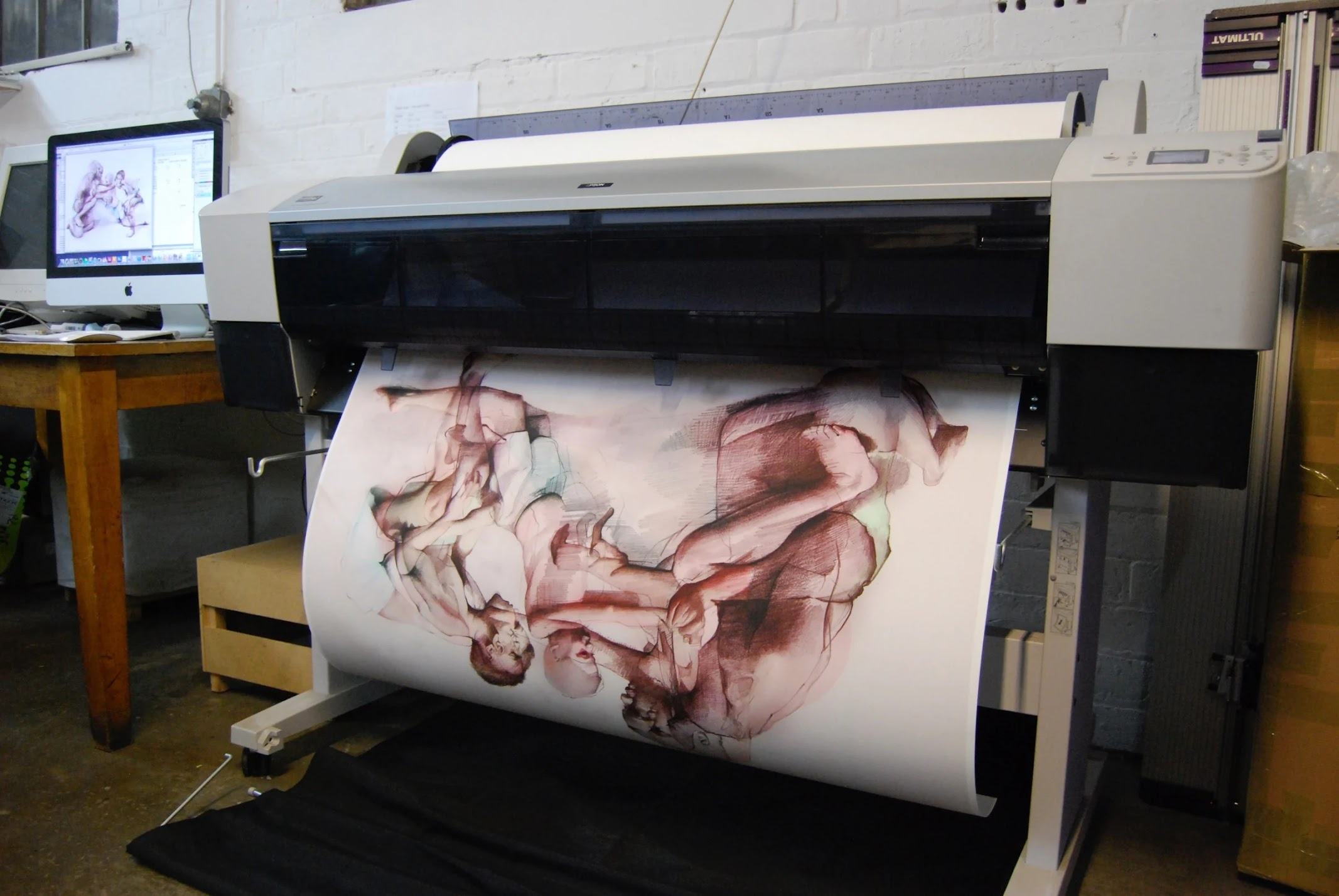
Computers and printers speak different languages. You must translate the computer language into the printer language so that the final printed product matches the computer screen. The result can be very unexpected and expensive if the artwork does not include a translator to go through the printer. Technically, RIP is software used in a printing workflow that creates a raster image, also called a bitmap, from a page description language such as PostScript, Portable Document Format, XPS, or another bitmap of higher or lower resolution. Bitmaps go to a printing device for output. Read on to explore the topic more. What is Printer RIP? A raster image processor (RIP) is software that converts (rasterizes) computer vector files (InDesign, Illustrator, Photoshop, PDF, JPG) into raster images which consist of a matrix of dots that the printer understands and can print. Raster images are like pixels on a computer screen. RIP software processes multiple content types for a particular printing e...